 Classroom tools
Group Generator
Make groups for the pupils in class today.
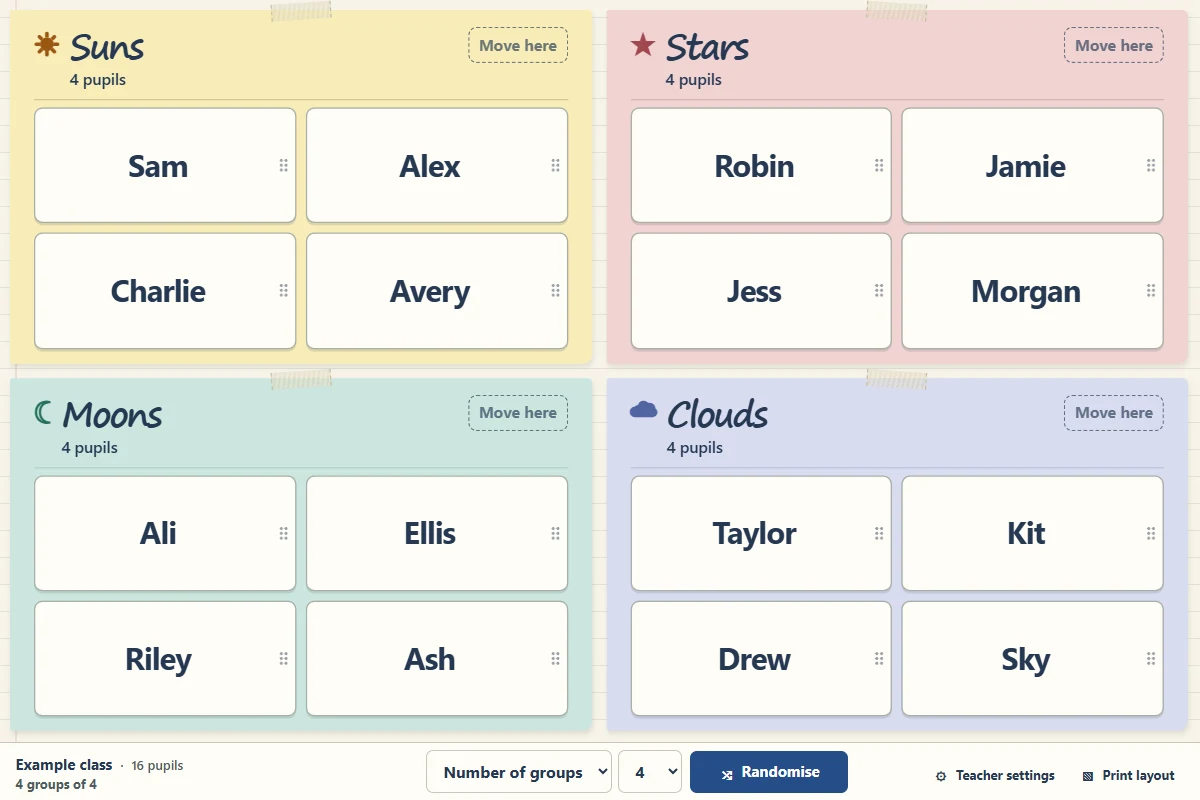
Group Generator helps teachers organise pupils for lessons and activities. Set the number of groups, choose any pupils who should work together or apart, and show the result on the classroom board.
Who is it for?
For teachers arranging partners, table groups or teams for a lesson.
Getting started
How to use Group Generator
Choose a class
Try the example class or create a class list. Before making groups, mark pupils who are absent.
Set the groups
Choose the number of groups. Use the grouping settings to keep selected pupils together or apart.
Share the result
Make the groups, move or swap pupils as needed, then display the board or print a names-only handout.
Home & classroom
A few ways to use it
- Set up discussion groups before a lesson so pupils can quickly find their team.
- Create a fresh set of groups for an activity while keeping agreed pupil pairings.
- Print a names-only list to refer to during practical activities away from the classroom board.
Useful to know
Common questions
Can I keep selected pupils together or apart?
Yes. Add rules in the grouping settings before making the groups.
Can I adjust the groups after making them?
Yes. You can move pupils or swap them between groups, and undo the last change.
Where are class lists saved?
The web app saves class lists in the browser you use. Use the export and import tools to move a class between browsers, devices or site addresses.
Ready to try it?
Open Group Generator and explore it for yourself.